bomi
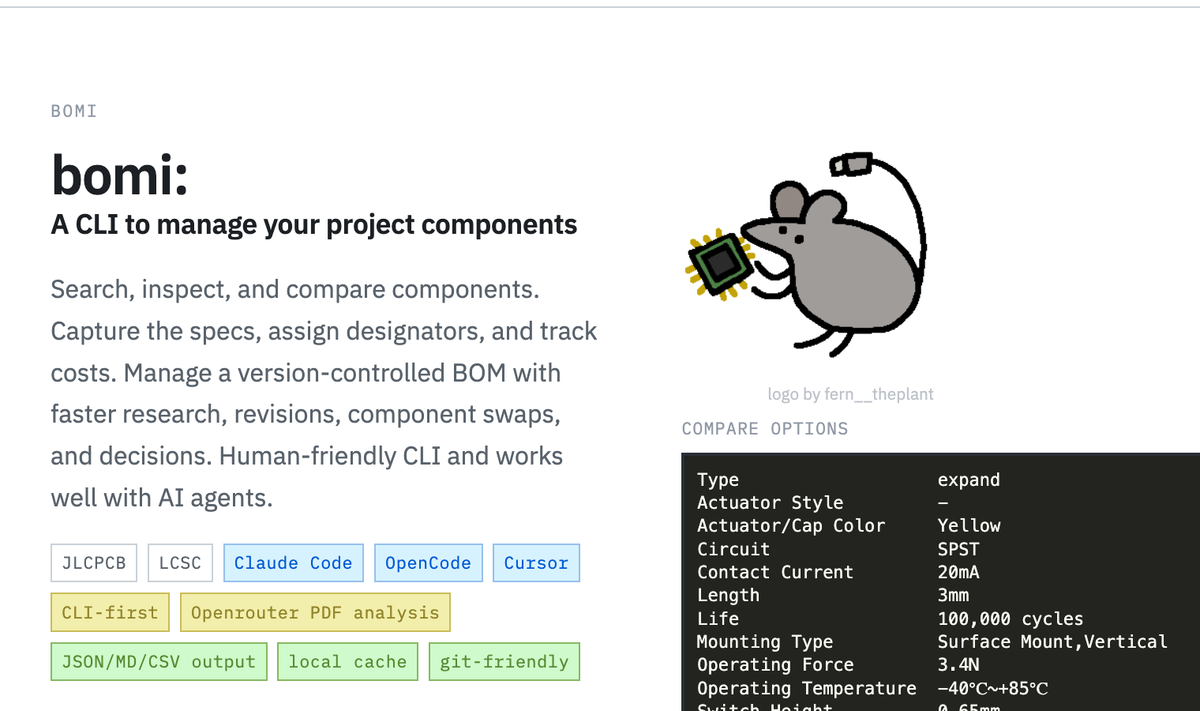
bomi is a CLI for agent-assisted circuit design. It helps search and compare JLCPCB/LCSC components, capture selections in a version-controlled BOM, and export results as markdown, JSON, or CSV.
The workflow is terminal-first and works well with coding agents, so part research, substitutions, stock checks, and BOM revisions can be managed quickly without manual browsing.
- Website: somebox.github.io/bomi
- Source: github.com/somebox/bomi
Maintaining an up-to-date BOM (bill of materials) is always a pain. Selections go out of stock, part numbers change, or I make a change and forget to update things. It eats up a lot of time to find all this info and keep it all updated.
Bomi helps make this easy. Some examples:
# search the live JLCPCB catalog with attribute filters
bomi search "N-Channel MOSFET SOT-23" --attr "Drain Source Voltage (Vdss) >= 30" --basic-only

# add a part to the project BOM with notes on why
bomi select C2488 --ref Q1 --qty 2 --notes "high-side switch, chosen for low Rds(on)"

# compare two cached parts side-by-side
bomi compare C2488 C8545

# check current stock and pricing before ordering
bomi list --check
The BOM lives in .bomi/project.yaml alongside your design files. Each selection records the LCSC code, reference designator, quantity, and your notes. It gets committed with everything else, so you have a clear history of what changed and why. Here's a real example from one of my projects: rgb-spotlight/.bomi/project.yaml
It can also pull datasheets and run them through an LLM for structured analysis (pin descriptions, application circuit values, key specs), which is useful as context for an agent helping with a schematic.